Market-moving information does not wait. Dividend declarations, AGM schedules, board meetings, and regulatory announcements can all affect stock prices. FinTrail aggregates DSE news and corporate events into two dedicated pages so you never miss what matters.
News Feed
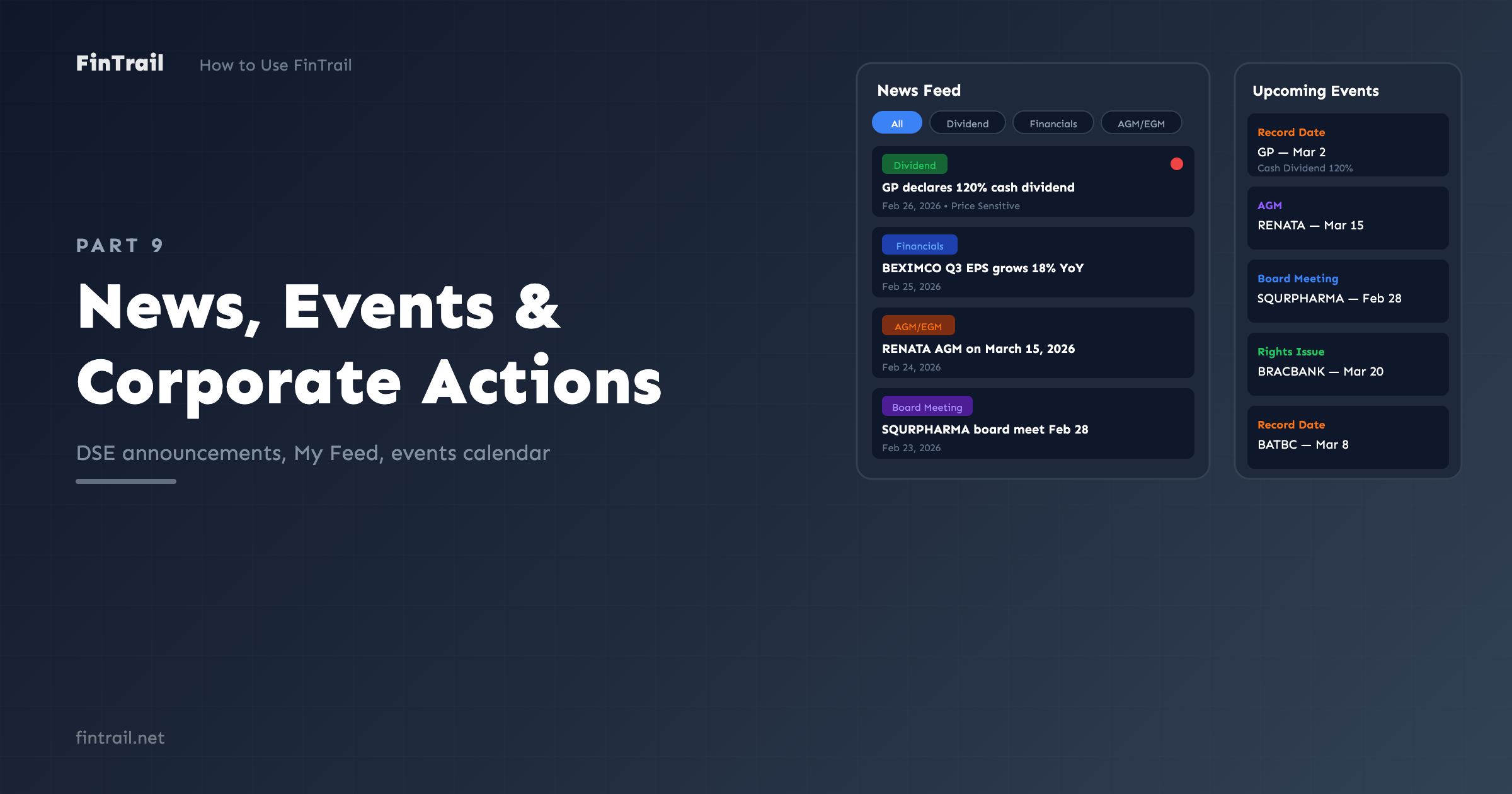
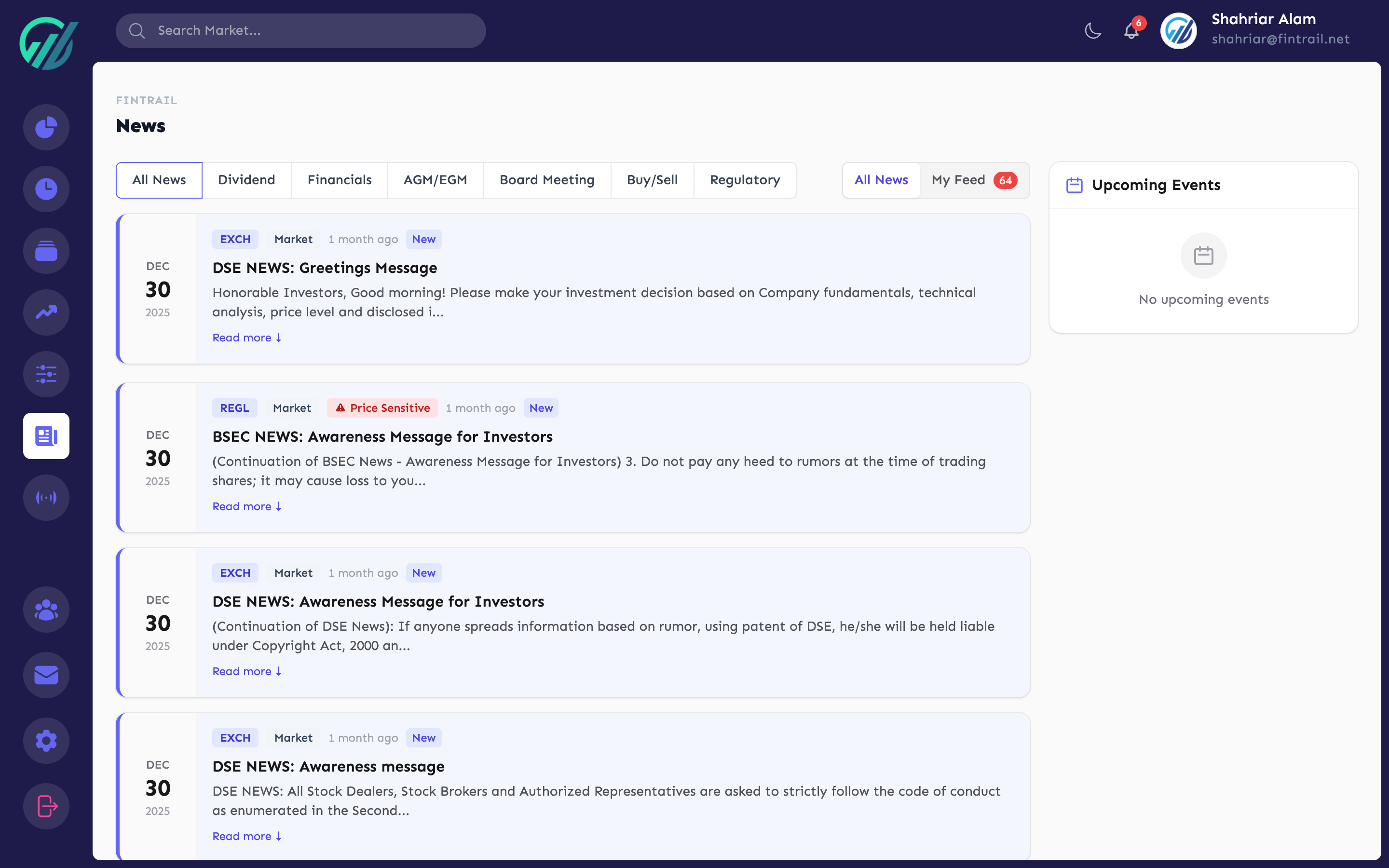
The News page shows all DSE announcements in a clean, chronological feed.
Category Filters
Filter news by type using the category tabs:
- All News — everything in one stream
- Dividend — dividend declarations and updates
- Financials — quarterly and annual financial results
- AGM/EGM — annual and extraordinary general meeting notices
- Board Meeting — board meeting schedules and resolutions
- Buy/Sell — director and sponsor trading activity
- Regulatory — regulatory orders and compliance updates
Each category tab shows a count of recent items (last 24 hours) so you can see where the activity is.
My Feed
Switch to My Feed to filter news to only stocks in your portfolio and watchlists. This cuts through the noise — instead of scanning all ~400 stocks, you see only announcements relevant to stocks you own or are watching.
My Feed also shows an unread count badge so you know when new relevant news has arrived.
Reading News
Each news item shows:
- Stock symbol and company name
- Headline — the announcement title
- Date — when it was published
- Category — color-coded label
- Price sensitive flag — highlighted if the announcement is marked as price-sensitive by DSE
Click a news item to expand its details. FinTrail tracks which items you have read, so unread items are visually distinct.
Sidebar Events
The news page sidebar shows upcoming corporate events relevant to your current feed. This cross-links news and events so you can see both upcoming actions and recent announcements in context.
Corporate Events Calendar
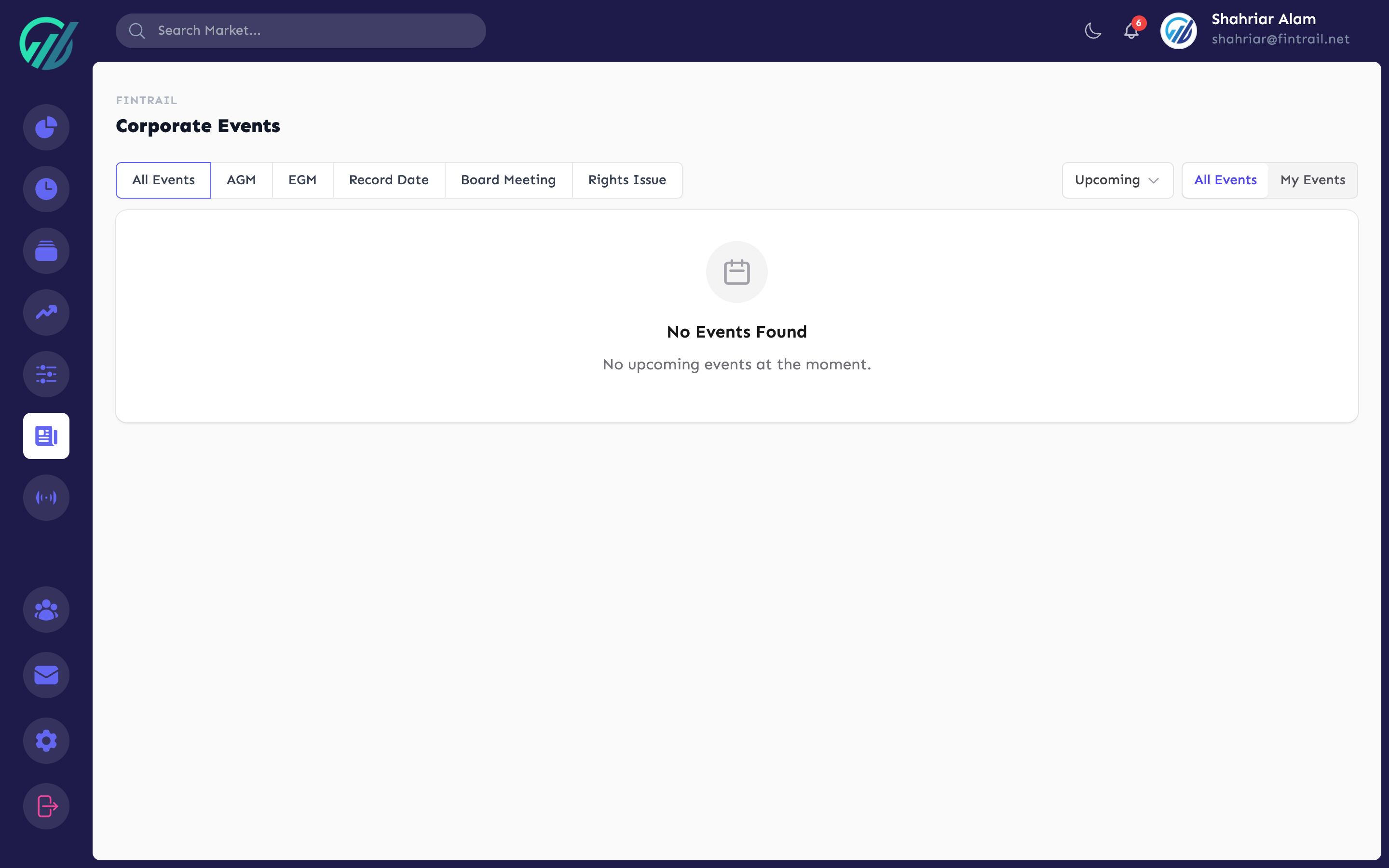
The Events page is dedicated to upcoming and past corporate actions.
Event Types
Filter by type:
- AGM — Annual General Meetings
- EGM — Extraordinary General Meetings
- Record Date — dates that determine dividend or rights eligibility
- Board Meeting — scheduled board meetings
- Rights Issue — rights share offerings
Time Periods
Control which events you see:
- Upcoming — all future events (default)
- Today — events happening today
- This Week — events within the next 7 days
- This Month — events through the end of the current month
- Past — historical events (sorted most recent first)
My Events
Like the news feed, switch to My Events to filter the calendar to only stocks in your portfolio and watchlists. This is especially useful for tracking record dates — missing a record date means missing a dividend.
Event Details
Each event shows:
- Stock symbol and company name
- Event type with a color-coded label
- Event date
- Additional details (venue for AGMs, dividend amount for record dates, etc.)
Events are sorted by date — upcoming events show the nearest date first, past events show the most recent first.
Practical Workflow
Here is how news and events work together in practice:
- Morning check — open My Feed to see overnight announcements on your stocks
- Weekly review — check Events for upcoming record dates and AGMs this week
- Before buying — check a stock’s news on the Analysis page to see recent announcements
- Dividend tracking — use the Record Date filter in Events to never miss a dividend cutoff
What is Next
You are now plugged into the market’s information flow. Part 10 covers the Community Stream — FinTrail’s social feature where investors share analysis, discuss stocks, and run polls.
This is Part 9 of the How to Use FinTrail series. ← Previous: Price Alerts. Continue to Part 10: Community Stream.