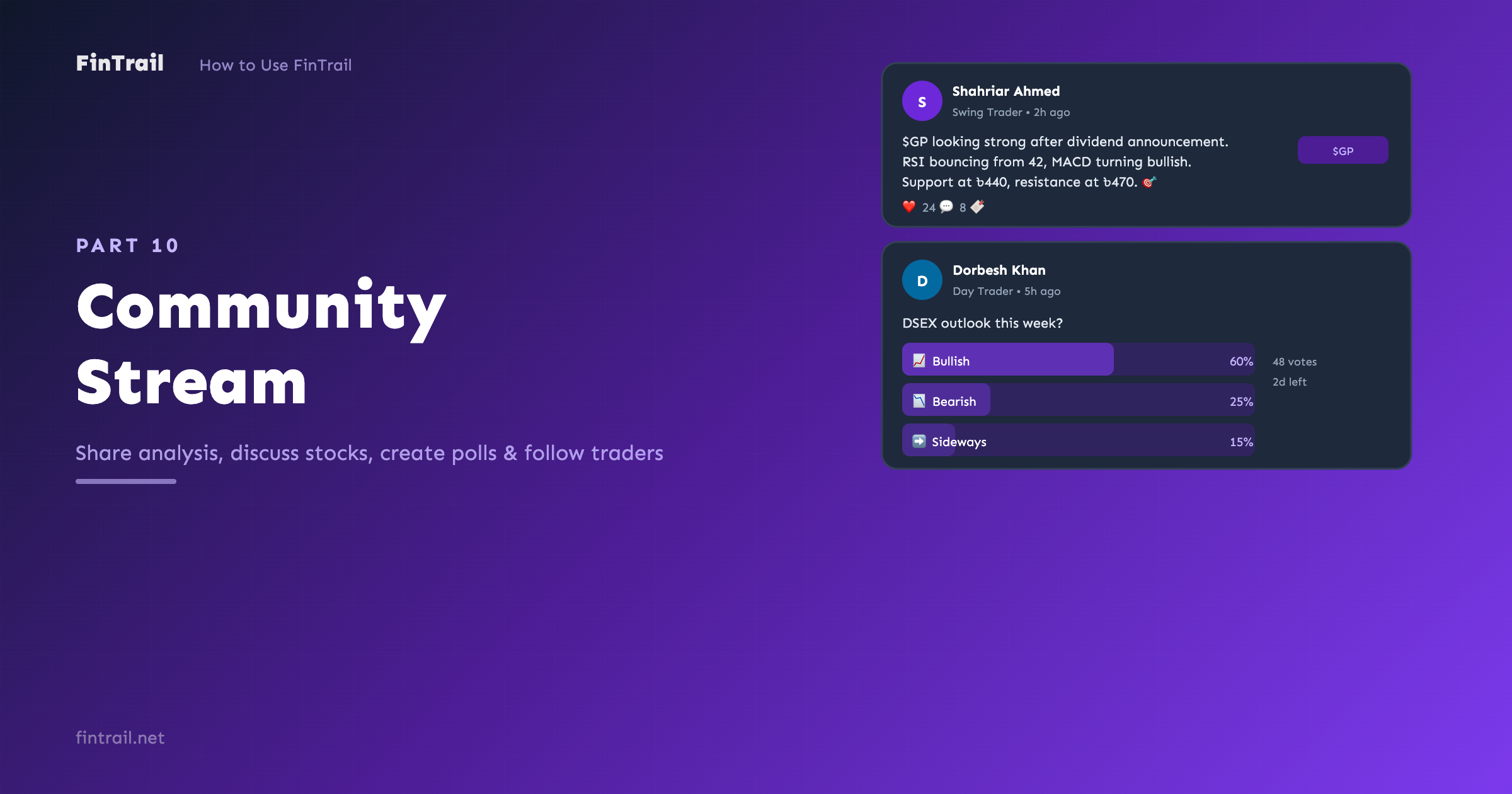
Investing does not have to be a solo activity. FinTrail’s Community Stream is a social feed where DSE investors share analysis, discuss stocks, and learn from each other. Think of it as a focused social network built around the Dhaka Stock Exchange.
The Feed
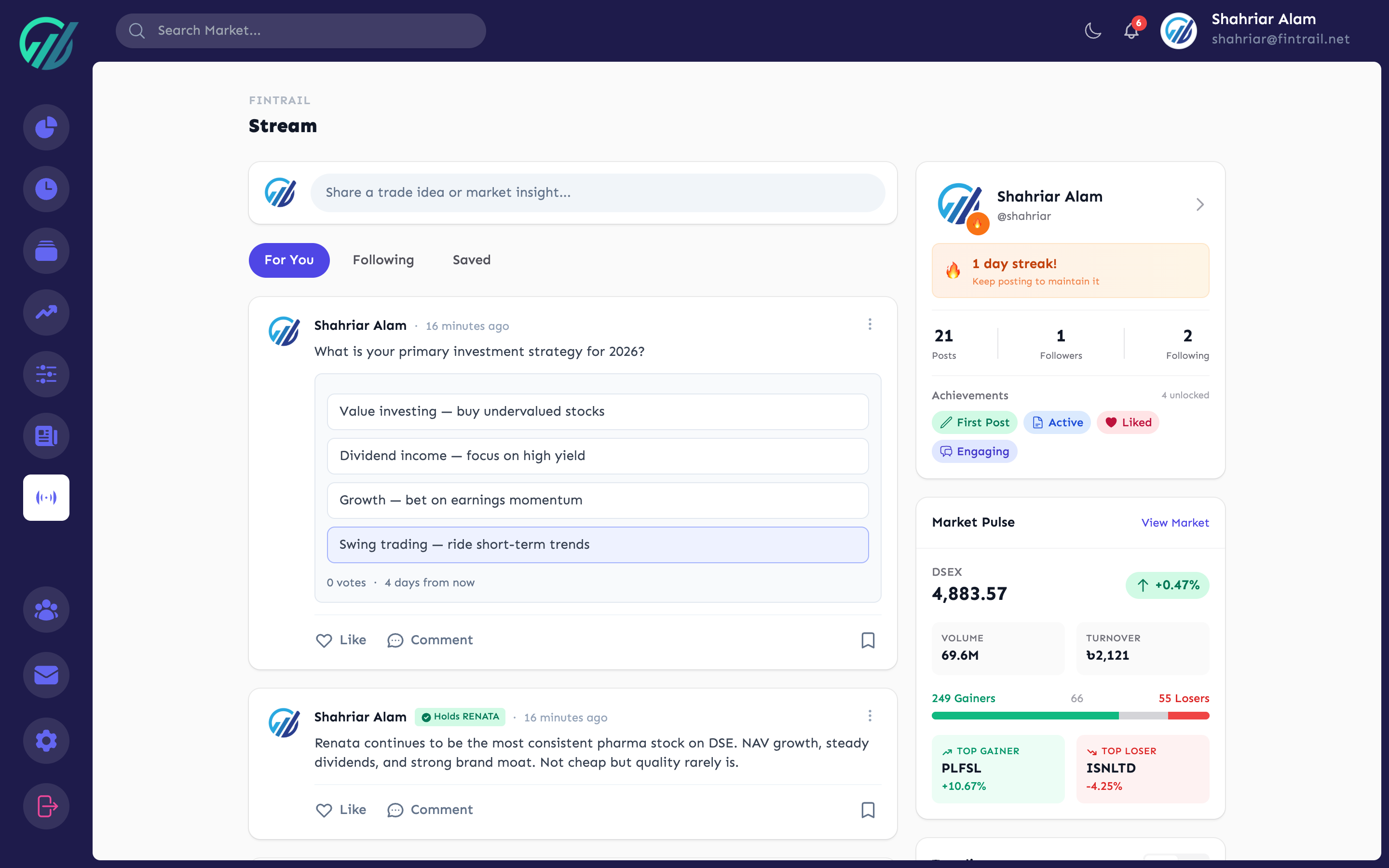
The Community Stream has three tabs:
- For You — a personalized feed ranked by relevance based on your portfolio, watchlists, and who you follow. Posts about stocks you own or watch appear higher.
- Following — posts only from people you follow
- Saved — posts you have bookmarked for later
The feed uses infinite scroll — keep scrolling and more posts load automatically. When new posts are available, a notification appears at the top so you can refresh to see them.
Creating Posts
Click the compose area to create a new post. You can include:
- Text — share your analysis, thoughts, or questions
- Images — attach charts, screenshots, or any visual content
- Stock tags — mention specific stocks (e.g., $GP, $BEXIMCO) to link them. Readers can click the tag to jump to that stock’s analysis page.
- Polls — create a poll with 2 to 4 options and set a duration (1 to 7 days)
Polls
Polls are great for gauging community sentiment. For example:
- “What is your outlook on DSEX this week?” with options like Bullish, Bearish, Sideways
- “Which pharma stock looks best for Q1?” with specific stock options
Each poll shows live results as votes come in. Voters can see the breakdown after casting their vote.
Interacting with Posts
On any post, you can:
- Like — show appreciation
- Comment — join the discussion
- Bookmark — save to your Saved tab for later reference
- Share — share the post
Following Other Investors
Follow traders whose analysis you find valuable. Their posts will appear in your Following tab. You can follow someone from:
- Their post in the feed
- Their user profile page
- The followers/following lists on any profile
User Profiles
Every FinTrail user has a public profile accessible at app.fintrail.net/user/username. Profiles show:
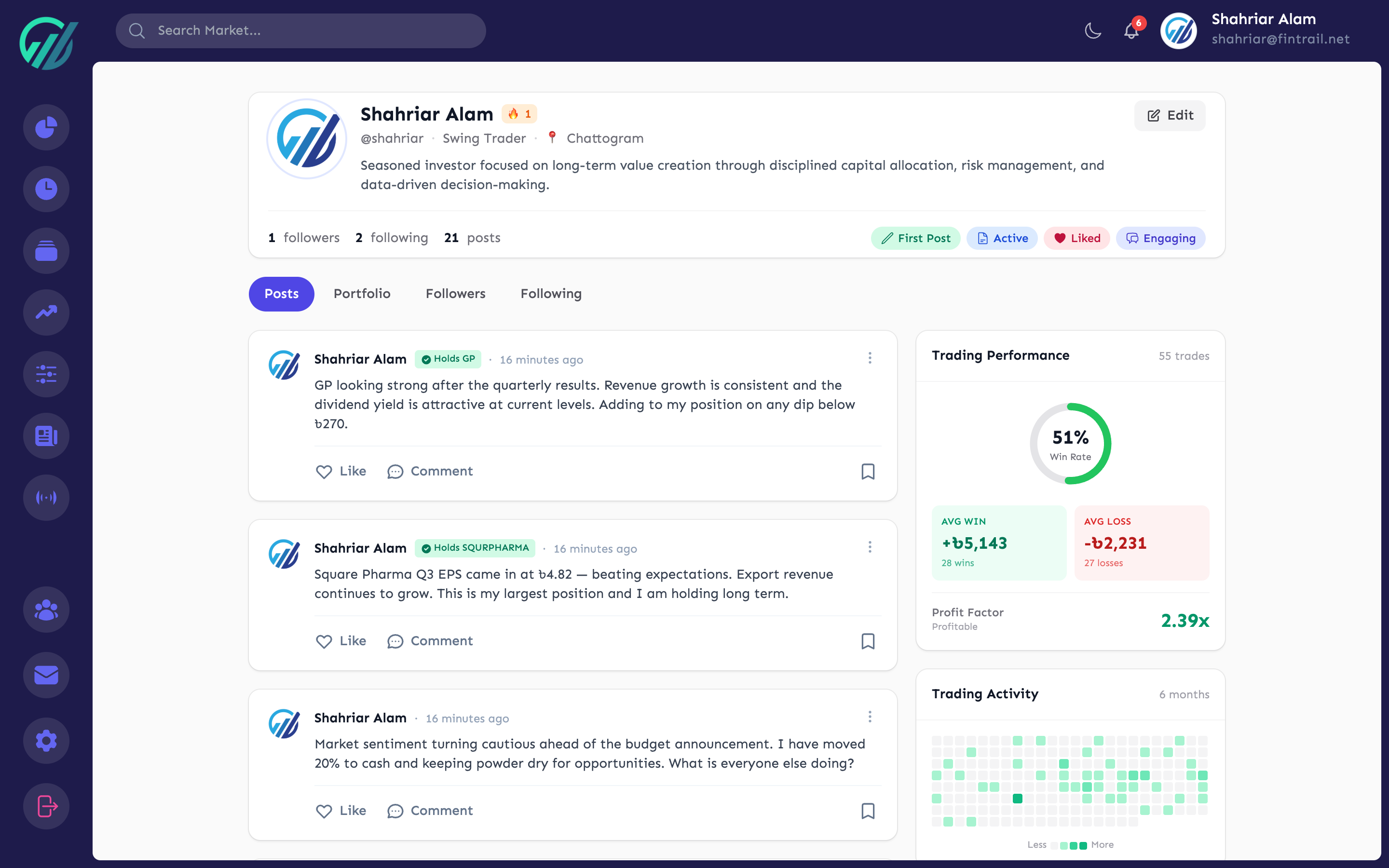
- Bio and trading style — the description and style set during profile setup
- Posts — all their public posts in the stream
- Portfolio visibility — if shared, their sector exposure and top holdings
- Followers and following counts
- Trading heatmap — a visual representation of their trading activity
- Achievements — badges earned through platform activity
Profiles help you evaluate whose opinions to weight when reading the stream. A trader with a consistent track record and relevant sector expertise might be worth following.
Community Guidelines
The stream is designed for investment discussion. Keep posts relevant to the DSE market, individual stocks, or investing in general. FinTrail is a professional community — quality analysis and respectful discussion are encouraged.
What is Next
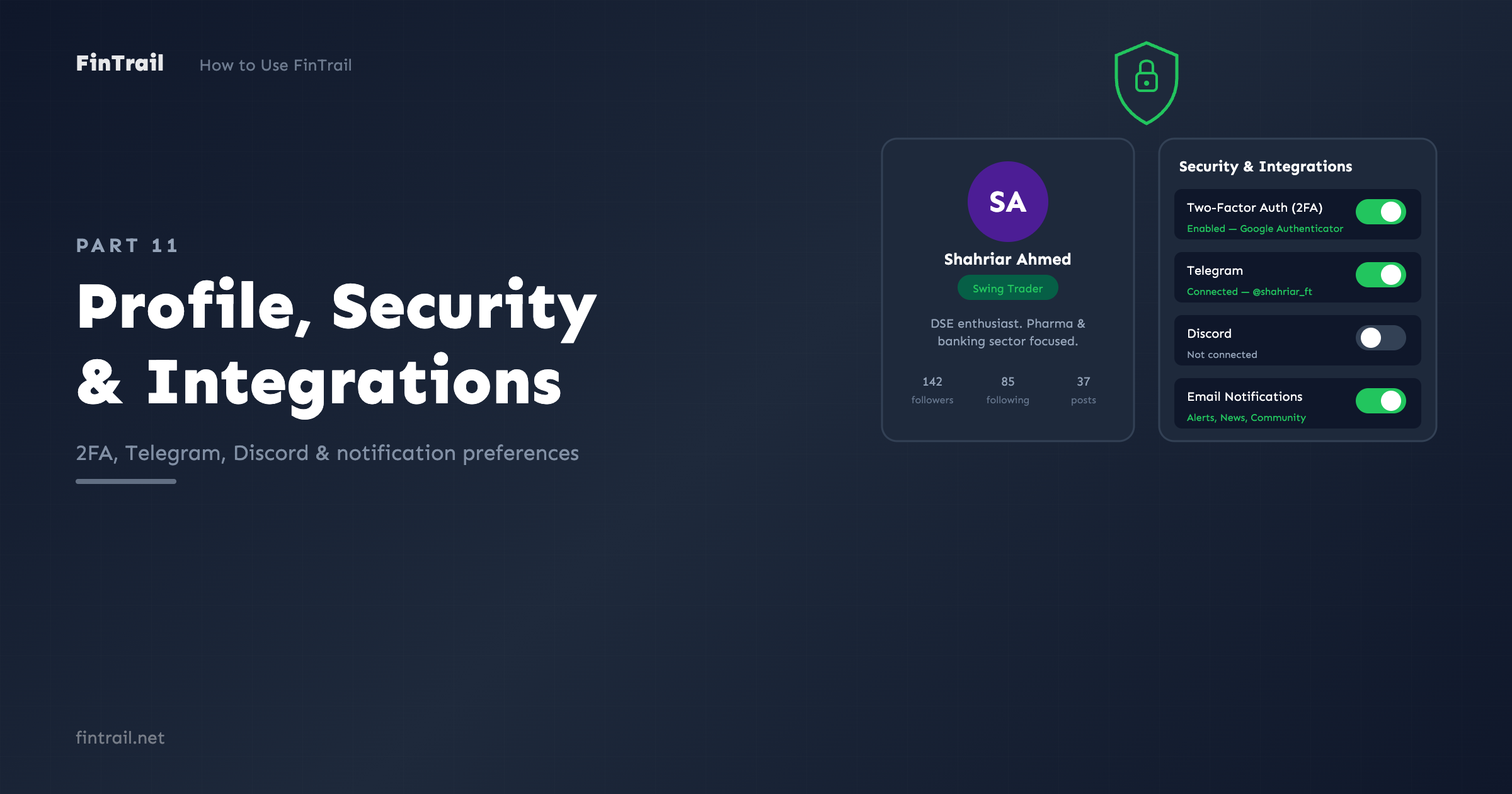
With the community at your fingertips, the final part covers Profile, Security, and Integrations — how to customize your account, enable two-factor authentication, and connect Telegram and Discord for alert notifications.
This is Part 10 of the How to Use FinTrail series. ← Previous: News, Events & Corporate Actions. Continue to Part 11: Profile, Security & Integrations.